About Hive Private Browser
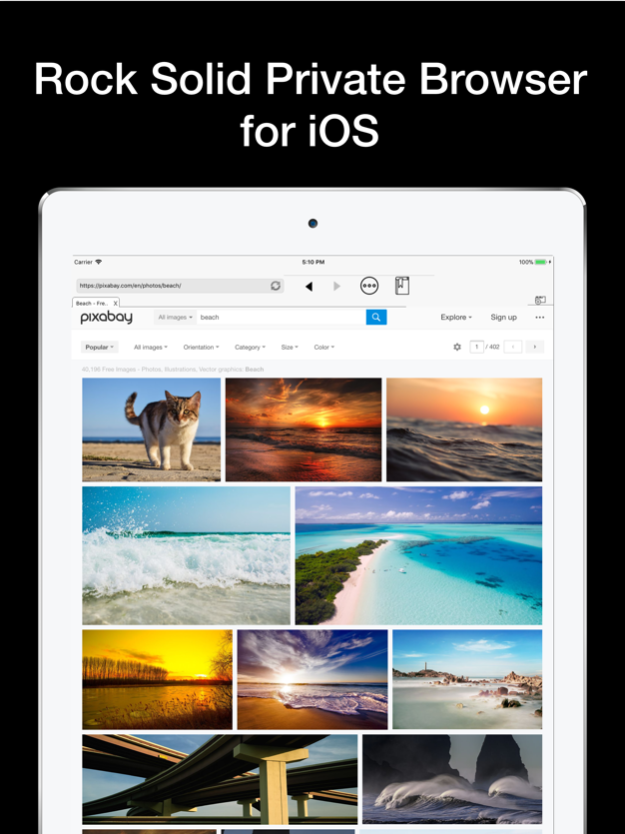
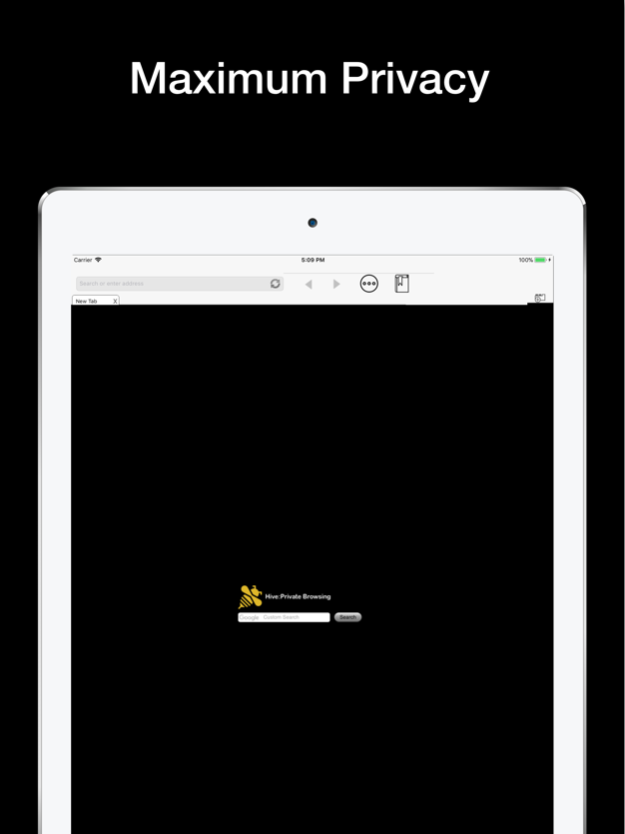
Your browsing history should belong to you. Why have big search engines tracking and selling your information when you can browse in privacy. The Hive private browsing app brings you the best of privacy and connivence in...
Your browsing history should belong to you. Why have big search engines tracking and selling your information when you can browse in privacy. The Hive private browsing app brings you the best of privacy and connivence in a simple no frills web browser. We value our privacy and so should you.
Browse effortlessly and privately on your iPhone, iPod, and iPad with the knowledge you are keeping your browse history safe.
- lightweight download and takes up minimal space on your device.
- portrait and landscape modes.
- status and navigation bars disappear when scrolling to maximize the web view.
- no auto suggest or auto fill
Let us know how your are enjoying the app in the comments and always feel free to reach out via email with questions or comments.
Dec 13, 2017
Version 1.0
This app has been updated by Apple to display the Apple Watch app icon.
Previous Versions
Here you can find the changelog of Hive Private Browser since it was posted on our website on 2021-12-24 11:30:26.
The latest version is 1.0 and it was updated on 2024-04-19 20:40:35. See below the changes in each version.
Hive Private Browser version 1.0
Updated At: 2017-12-13
Changes: Dec 13, 2017 Version 1.0
This app has been updated by Apple to display the Apple Watch app icon.
Disclaimer
Official App Store Link
We do not host Hive Private Browser on our servers. We did not scan it for viruses, adware, spyware or other type of malware. This app is hosted by Apple and passed their terms and conditions to be listed there. We recommend caution when installing it.
The App Store link for Hive Private Browser is provided to you by apps112.com without any warranties, representations or guarantees of any kind, so access it at your own risk.
If you have questions regarding this particular app contact the publisher directly. For questions about the functionalities of apps112.com contact us.